Database Query Behaviors in WordPress Multisite Admin Environments
Written by Riley Peters · Jun 8, 2026
Database Query Behaviors in WordPress Multisite Admin Environments
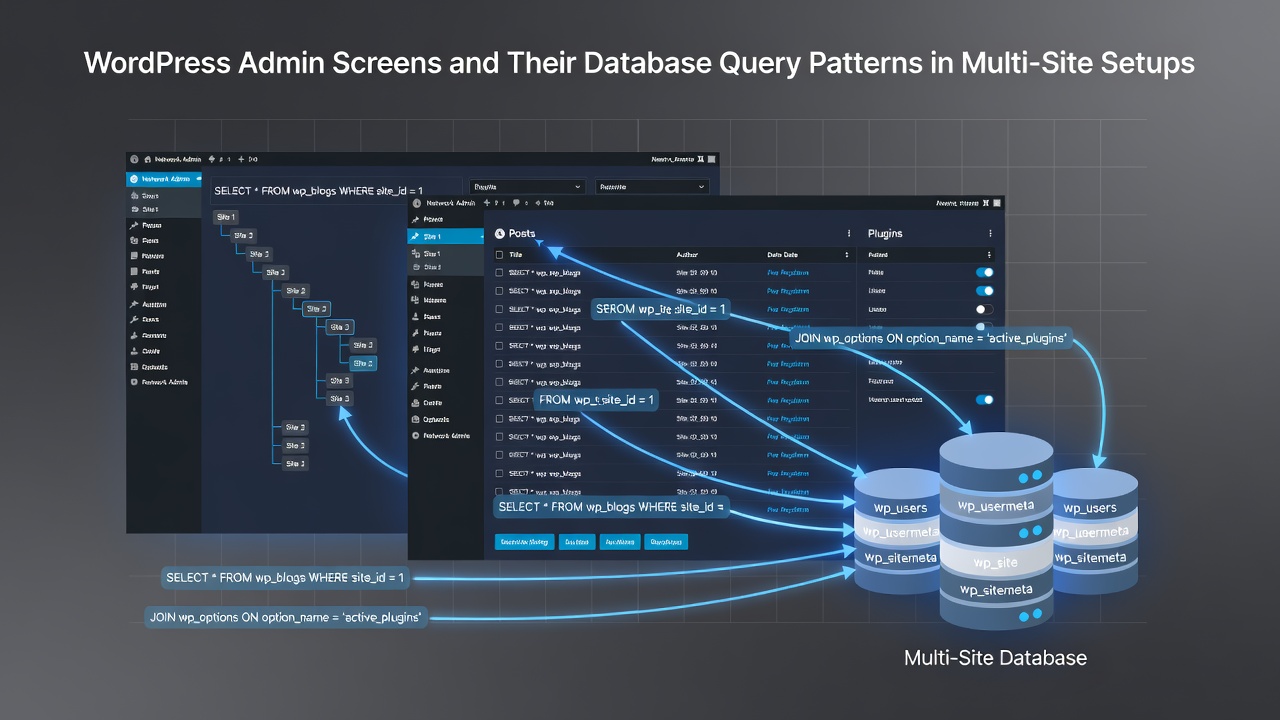
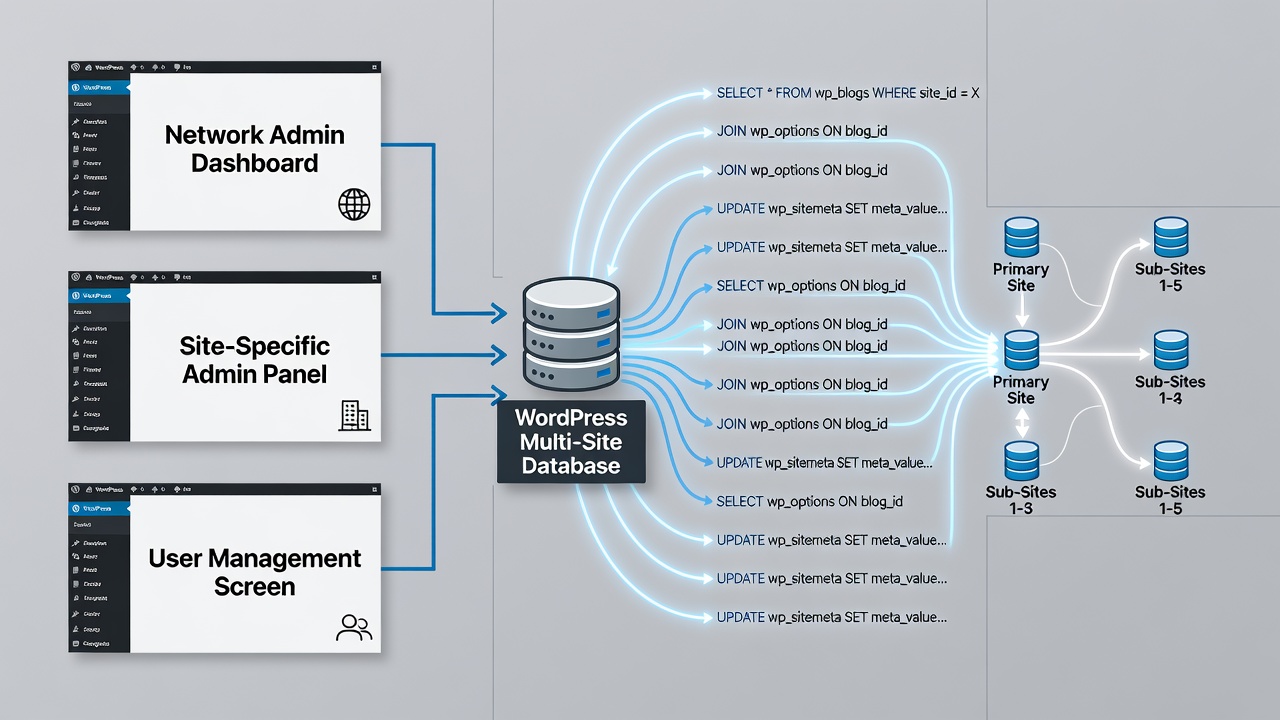
WordPress multisite installations route admin screen requests through a shared codebase while directing database operations to distinct tables based on the active site context. The core mechanism relies on the switch_to_blog function which updates the $wpdb prefix and adjusts query targets accordingly. Network-level screens such as those under /wp-admin/network/ pull from wp_site and wp_sitemeta tables whereas individual site dashboards query their own prefixed tables like wp_2_posts or wp_3_options.
Each admin screen generates a predictable set of queries when loaded. The dashboard screen for example executes multiple SELECT statements against the options table to retrieve site settings then performs JOIN operations on the posts and postmeta tables to assemble recent activity widgets. In multisite mode these queries run against the currently switched blog prefix unless the screen explicitly calls get_site_option which targets the network-wide tables instead.
Network Admin Screens and Centralized Queries
Network admin screens maintain a single connection point to the primary site database while aggregating information across all blogs. The sites list at /wp-admin/network/sites.php issues a query that selects from wp_blogs joined with wp_blog_versions to display version data and last updated timestamps. Additional queries fetch user counts by running COUNT operations against each blog's users table after switching context in a loop or by using direct cross-table references where available.
Observers note that teh network settings screen loads options exclusively from wp_sitemeta using keys prefixed with the network ID. This pattern avoids per-blog table access entirely and reduces the number of database round trips when an administrator updates global configuration values. Caching layers such as object cache plugins intercept many of these reads so repeated loads of the same screen show fewer actual queries after the first request.
Site-Specific Admin Screens and Context Switching
Individual site admin screens operate under the blog context established at login or through explicit switching. When an administrator visits /wp-admin/edit.php on a subsite the system first confirms the current blog ID then rewrites all table references to match that prefix. The posts list screen therefore queries wp_X_posts where X represents the active blog number and performs meta joins only within the same prefix group.
Plugin and theme screens follow similar logic but add checks against the network-active flag stored in wp_sitemeta. A query to determine whether a plugin is network active runs against the network tables before falling back to the blog-specific active_plugins option. This dual lookup ensures consistent behavior across both network and site-level activation states.
Performance Patterns and Query Optimization
Data from core profiling tools shows that poorly optimized plugins increase query counts dramatically on multisite installs because they fail to respect blog context when running custom queries. Each unswitched query risks hitting the wrong table prefix and returning incorrect results or triggering full table scans across unrelated blogs. Developers who follow the switch_to_blog and restore_current_blog pattern keep queries isolated and maintain consistent performance as the number of sites grows.
According to developer documentation at developer.wordpress.org the restore_current_blog call must always follow a switch to prevent global state corruption. Failure to restore context leaves subsequent admin screens querying the wrong blog tables which produces unexpected data or permission errors for users.
Updates and Maintenance Screens in 2026
Maintenance screens such as the network updates page aggregate version information by querying wp_blog_versions across all registered blogs in a single pass rather than switching to each site individually. This approach reduces overhead when hundreds of sites require checks. In June 2026 the WordPress core team continued refining these aggregation queries to support larger multisite networks without performance degradation.
Theme and plugin update checks on individual sites still rely on the standard transient options stored in each blog's options table. Network-wide update notices however combine data from wp_sitemeta and the external API responses cached at the network level.
Conclusion
WordPress multisite admin screens follow distinct database query patterns depending on whether they operate at the network or site level. Network screens target shared tables while site screens depend on dynamic prefix switching. Understanding these patterns helps administrators and developers anticipate query loads and maintain efficient database interactions as installations scale.